CICC stakeholder meeting
March 31, 2026
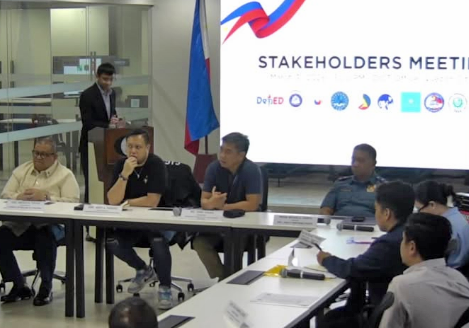
CICC stakeholder meetingFRDA took part in the CICC stakeholder meeting on Roblox-related concerns, where child safety and wider digital space issues were discussed.
We bring Filipino Roblox developers together to strengthen their representation, connect them with opportunities, and encourage responsible game development.
Conversations that matter
We take part in public, industry, and stakeholder conversations that can affect Filipino Roblox developers and the wider community.
From public discussions to relevant meetings and stakeholder conversations, we stay engaged where ideas and decisions can impact the ecosystem in meaningful ways.
If you’d like to connect with us for an interview, appearance, or related discussion, we welcome the opportunity.
Public mentions and involvement
CICC stakeholder meeting
March 31, 2026
CICC stakeholder meetingFRDA took part in the CICC stakeholder meeting on Roblox-related concerns, where child safety and wider digital space issues were discussed.
News5
March 24, 2026
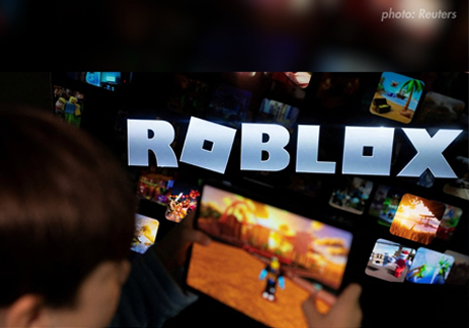
News5 coverageFRDA’s perspective on the possible Roblox ban surfaced in public News5 coverage discussing its impact on Filipino developers.
BitPinas
March 30, 2026
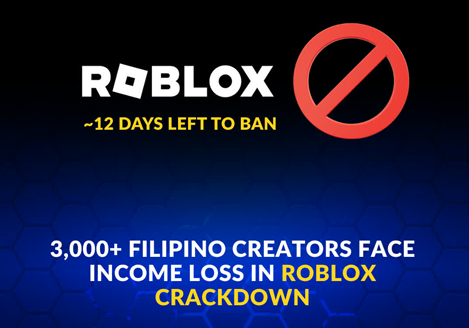
BitPinas mentionBitPinas highlighted FRDA’s warning that a nationwide restriction could affect the livelihoods of thousands of local Roblox creators.
What FRDA is building
Help give local developers a stronger and more visible collective identity.
Promote game development practices that build greater trust among players, families, and the wider community.
Create more paths for visibility, recognition, and future collaboration.
Featured work
Filipino Roblox developers are building experiences that draw on design, scripting, worldbuilding, systems thinking, and creative direction. These featured works offer a glimpse of the range, effort, and skill behind the community.
COMMON QUESTIONS
FRDA is the Filipino Roblox Developers Association. We support Filipino Roblox developers through stronger representation, responsible development, trust, and future opportunities.
The registration system is for Filipino Roblox developers and related creators who want to be part of a more structured network and review process.
FRDA is a community-driven organization for Filipino Roblox developers. Unless officially stated elsewhere, it should not be presented as an official Roblox-operated body.
Registration helps FRDA build a more organized developer network while laying the groundwork for greater visibility, credibility, and future opportunities.
Yes. Organizations interested in supporting the local creator community or exploring collaboration are welcome to connect through FRDA’s contact channels.